
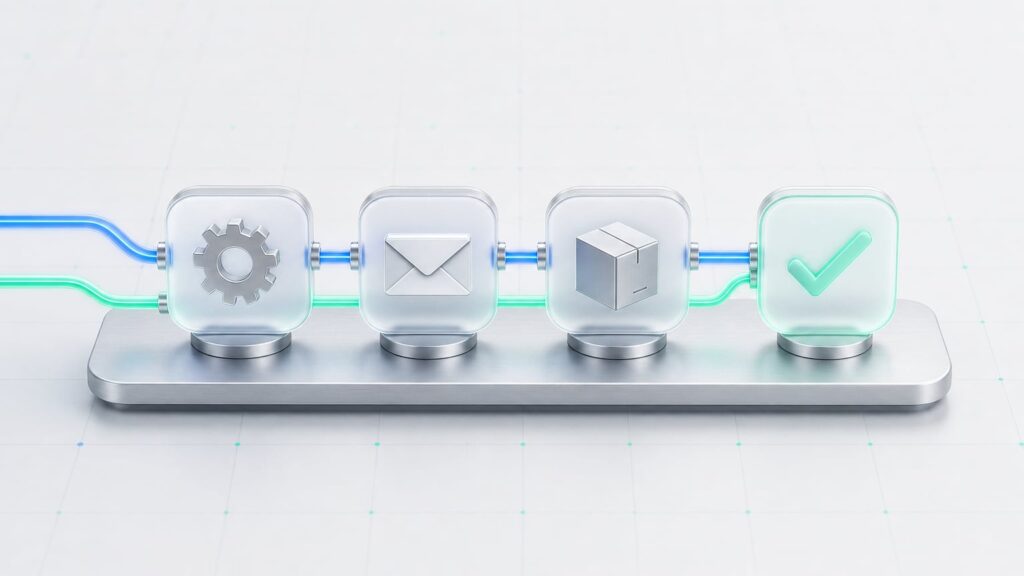
Quick answer: n8n is an open-source automation tool that connects your apps and can run AI steps in between. The workflows that save the most time for small teams are product listing, email triage, client onboarding, invoicing, content drafts and weekly reports. Below are seven we run or have built with my studio OrbitBuilder.
📋 Table of Contents
Why n8n (and not only Zapier)?
Zapier is great for simple two-step automations. Once you need branching logic, loops, AI steps and high volume, n8n is more flexible and usually much cheaper, because you can host it yourself and you are not billed per task. Your data also stays on your own server.
7 n8n workflows worth building
1. Enter a product once, list it everywhere
You type the product data once. The workflow picks the right category on each platform, writes the description with AI, prepares images and creates the product in WooCommerce plus offers on marketplaces. One record shows the result from every channel. See the multichannel listing case.
2. AI email assistant on Telegram
The workflow reads your inbox, filters spam and newsletters, and sends only important emails to Telegram. You record a voice note with your answer, AI turns it into a polished email, and one button sends, edits or discards it. For freelancers who answer clients between renders, this alone saves an hour a day. How it works.
3. SEO landing pages as WordPress drafts
A keyword from a spreadsheet goes in; the workflow analyses the search results, plans a structure and writes a landing page with internal links to your existing pages. It lands in WordPress as a draft for you to approve. See the SEO landing page workflow.
4. Marketplace listing optimisation
Every hour the workflow takes the next listings, pulls their data, and AI rewrites titles and descriptions. Changes go live only after validation, and every listing is backed up first. Read the case.
5. Client onboarding for motion projects
When a brief arrives, n8n creates a project folder, a task board, a shared Frame.io or Drive space and a welcome email with the next steps and deadlines. No more copying the same checklist for every client.
6. Invoices and payment reminders
A paid order or a signed quote triggers an invoice in your invoicing tool, emails it to the client and adds it to your bookkeeping sheet. Unpaid invoices get a polite reminder after a set number of days.
7. A weekly report on Telegram
Every Monday the workflow collects sales, traffic, new leads and open tasks, and AI writes a five-line summary. You know where the business stands before your first coffee.
How to build automations that don’t break
- Validate before writing. Check the data before a workflow changes anything in a shop or CRM.
- Back up first. Save the old version of every record you overwrite.
- Approve on Telegram. Start with a human approval step and remove it only when you trust the output.
- Alert on errors. A failed step should ping you, not fail silently.
- Document it. Someone else should be able to understand the workflow in five minutes.
Where to start
List the tasks you repeat every week and estimate the hours each one takes. Start with the one that is boring, frequent and rule-based. Most first workflows are ready in one to three weeks, including testing on real data.
Want us to map and build it? See how we build n8n automations or tell us about your process.
FAQ
Is n8n free?
The self-hosted community edition is free to use; you pay only for hosting and any AI or app APIs the workflow calls. n8n also offers a paid cloud version.
Do I need to code to use n8n?
Simple workflows are built visually. Complex ones benefit from some JavaScript and API knowledge, which is where an automation partner helps.
Can n8n use ChatGPT or other AI models?
Yes. n8n has built-in AI nodes and can call any model with an API, so you can write, classify, summarise or extract data inside a workflow.