
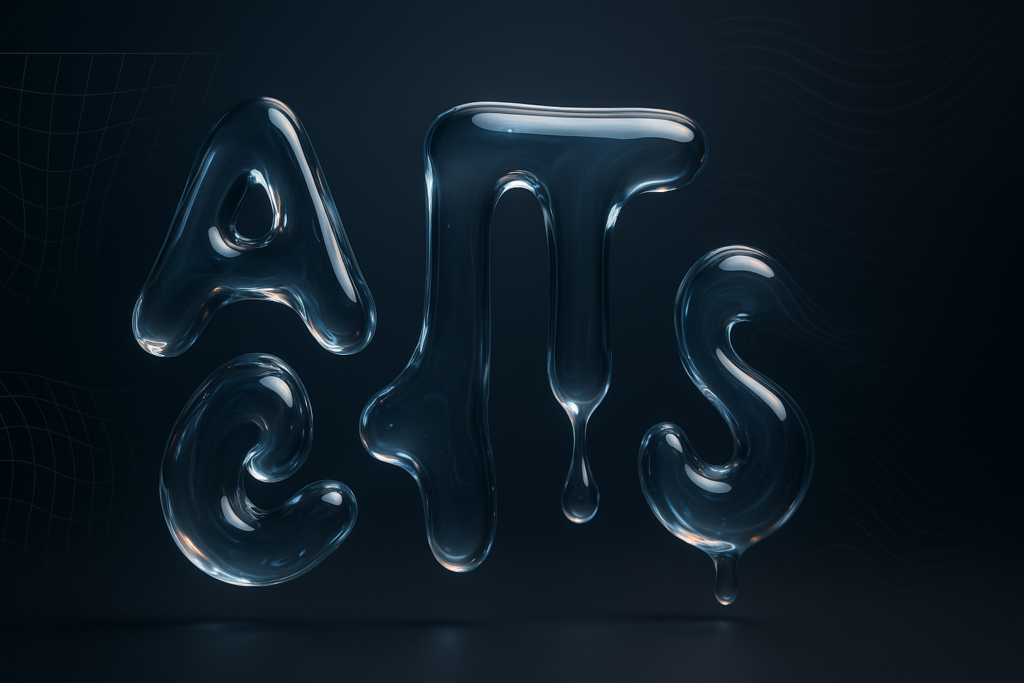
How to create a liquid text animation in after effects
To create a liquid text animation in After Effects, you combine text preparation (often converting type into shapes), controlled deformation…
Read Tutorial
Practical After Effects tutorials, workflow tips and motion design guides for creators, editors and designers.
To create a liquid text animation in After Effects, you combine text preparation (often converting type into shapes), controlled deformation…

To animate a stroke path in After Effects, you create (or import) a path, then reveal a stroke over time…

To make HUD elements in After Effects, you build clean vector shapes (usually with Shape Layers), style them with strokes/glows,…

You create a cartoon smoke puff animation in After Effects by drawing a few simple, rounded “cloud” shapes (usually with…
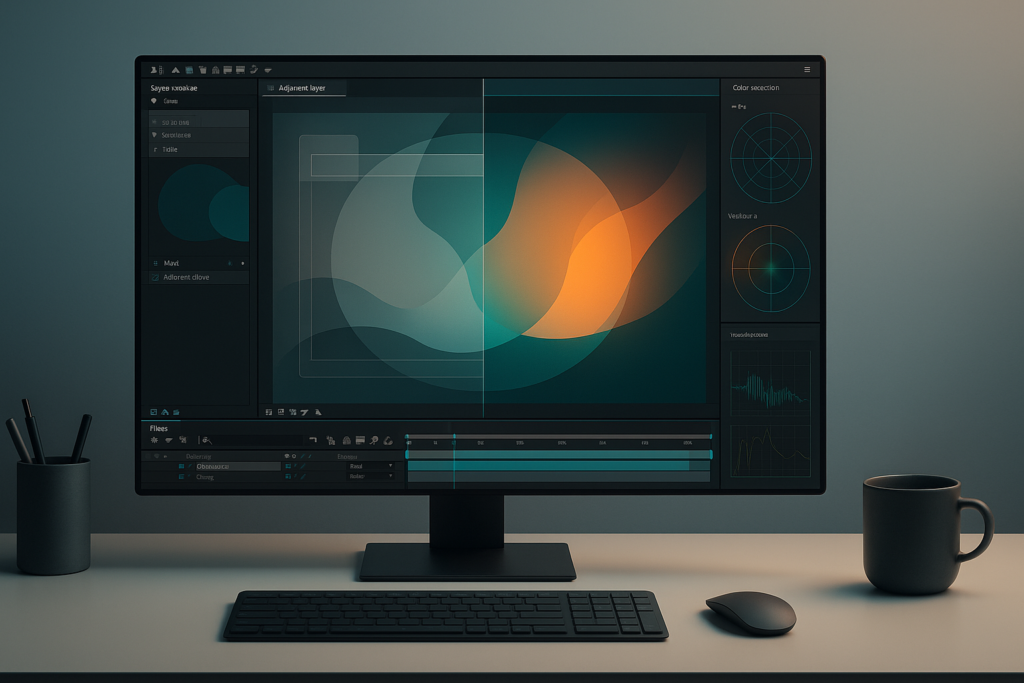
To color grade motion graphics in After Effects, you build a controlled color pipeline (working space, bit depth, and monitoring),…
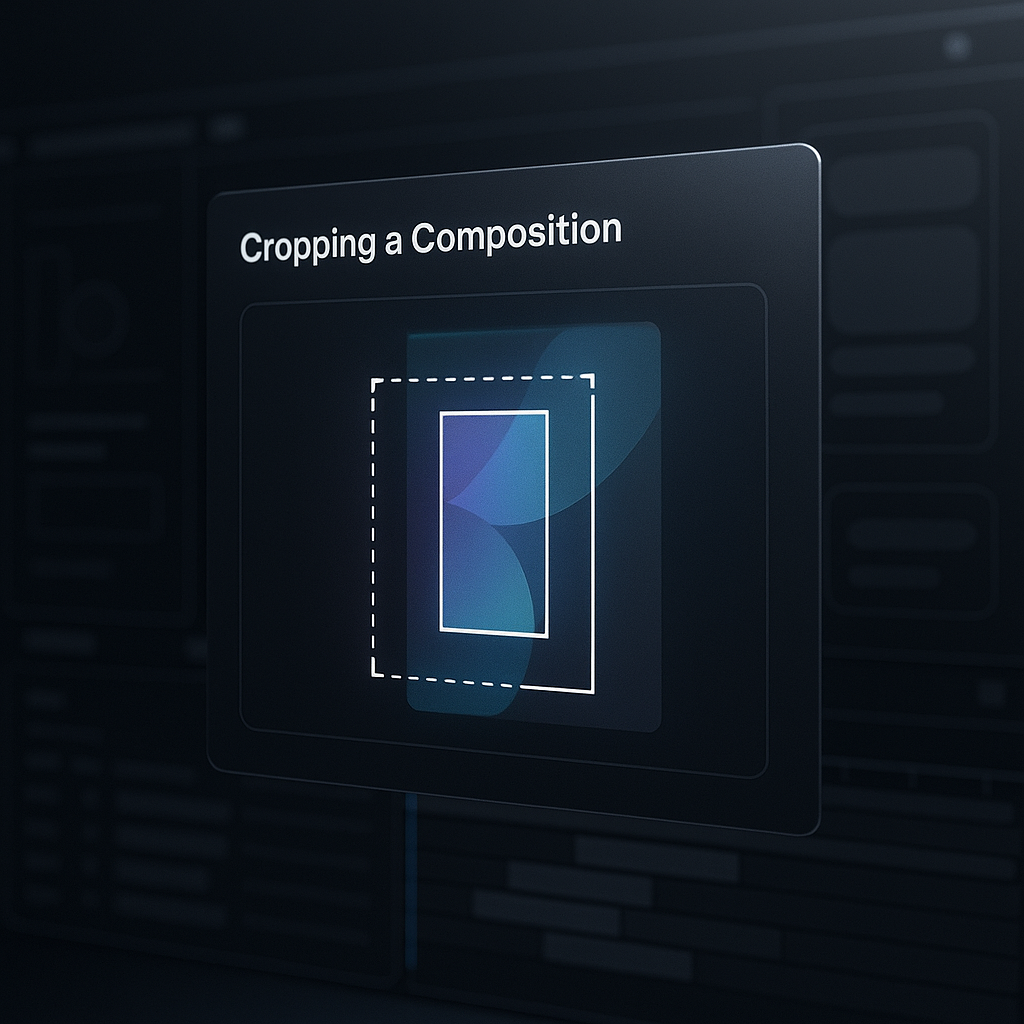
You can crop a composition in After Effects by either (1) using the Region of Interest to define a smaller…

To create 2.5D isometric motion graphics in After Effects, you build (or import) flat artwork, arrange it in a controlled…

To animate a search bar in After Effects, you typically build it from shape layers (rounded rectangle, icon, cursor), then…

To create a neon glow effect in After Effects, you build a bright “core” (usually text or a shape), then…
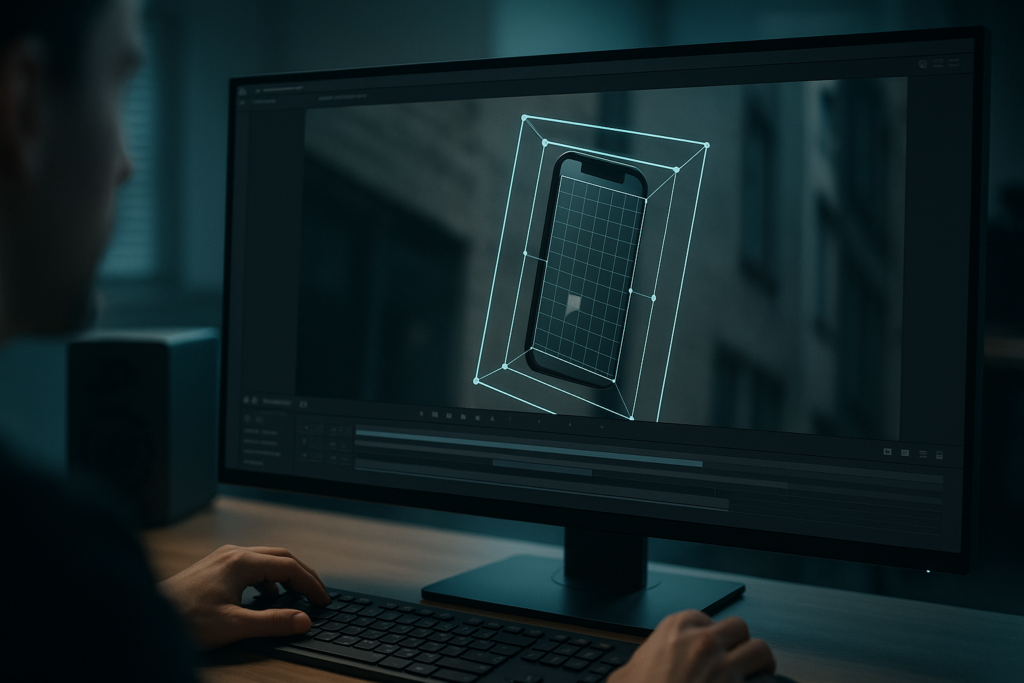
To use Mocha AE for motion tracking, you draw one or more splines around a planar surface (like a sign,…

To create a camera rig in After Effects, you don’t “build a special camera” so much as you wrap a…
Auto resizing text boxes in After Effects are built by linking a background shape’s size (and often its position) to…
Register now & get the Duolingo Widget template free + 20% off your first subscription!
Create Free Account → No credit card required